Rapid Prototyping with Claude Code: From Axure and Figma to Living Prototypes
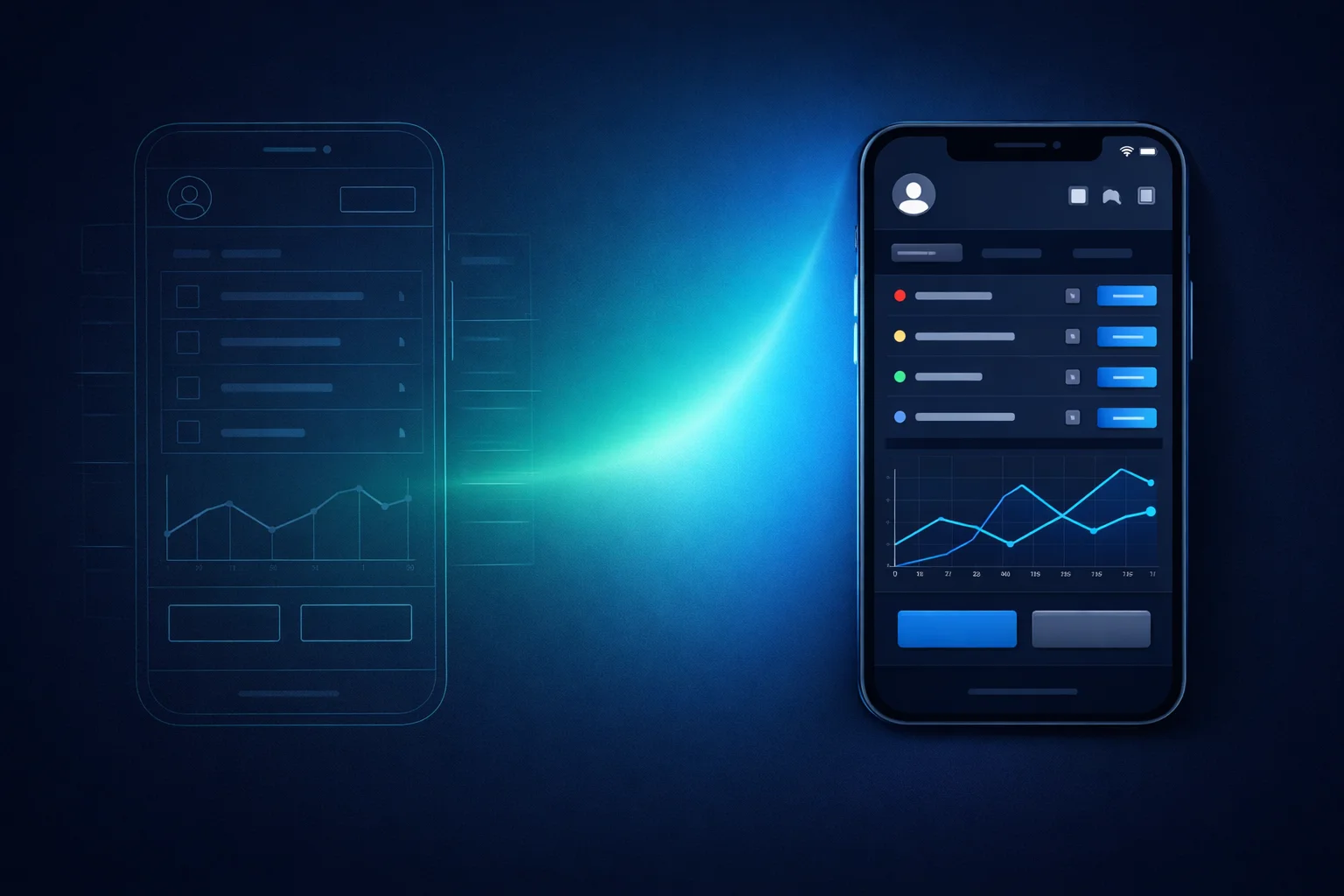
For years, we showed clients static screens and clickable mockups built in Axure or Figma. With Claude Code, we've moved to the next level: from idea to working application in hours, not weeks. Instead of mockups, we now show a living prototype.
Why prototypes matter
Every product has a phase where ideas need to be tangible. At our company, we call it the Discovery phase. A client reads the spec and nods — then sees the result and says: "That's not what I meant at all." This is normal. People are bad at imagining interfaces from text descriptions. Even experienced product managers.
So we've long had a workflow:
- Designed UI and UX screens in Axure
- Presented them on calls
- Took notes during the discussion
- Prepared multiple options for contentious decisions
- Iterated until everything aligned
- Wrote documentation based on the prototypes and handed it off to development
Error rates dropped dramatically. Clients generated their own ideas, evaluated ours. For many decisions, we prepared several variants — pick the one you like. It worked. But at the end of the day, these were still pictures.
What changed with Claude Code
Pictures are fine, but they have a ceiling. A clickable prototype in Axure still feels like a set of slides connected by transitions. It's not alive. You can't enter data and see how the system reacts. You can't demonstrate a complex scenario with conditional logic without drawing ten screens. Sure, you could rig something up in Axure using variables and conditional logic, but the effort was enormous. And then any change triggered an avalanche of rework — with no guarantee the time spent was justified.
With Claude Code, everything is different. You describe what you want and get a working application in React or Next.js. From idea to working prototype in an hour or two — instead of a week in Axure. In essence, it's an AI-powered alternative to Axure and similar prototyping tools.
In essence, building a prototype this way is vibe coding on a budget. You just start building an application from scratch, implement the core functional parts, but don't worry about making everything perfect. Some things can be left rough or skipped entirely. Some aren't needed at all: a backend for data storage, performance optimization, responsive layouts for every screen size. You don't think about code quality, code reviews, or proper architecture. The goal is to demonstrate behavior, not write production-ready code. (I wrote more about working efficiently with Claude Code in a previous post.)
Yes, it's not connected to a backend. Yes, many things aren't fully fleshed out. Yes, the design will likely change once the functionality is approved and we move to Figma. But it's a real application — with state, logic, and interactivity.
What you can do with a living prototype
A data store with realistic behavior. Instead of static screens — an app with a data layer. The system reacts to user actions: applied filters, changed settings, entered data. The client sees not "what it will look like" but "how it will work."
Scenario modeling. Need to show what happens under different conditions? Add a scenario switcher right in the UI. A button labeled "Scenario: first-time user" — and the app transitions to the appropriate state. "Scenario: expired subscription" — and all elements rearrange accordingly.
Embedded navigation points. You can add elements in key places of the prototype that won't exist in the final product but help during demonstrations. For example, a link "View the email the user will receive" — and the email template opens right there. No need to dig through a separate document; everything is in one place.
Fast iterations. After a call, the client writes: "What if we split this table into two tabs?" Previously, that meant a new cycle of work in Axure. Now — a couple of prompts, and the updated version is ready for the next discussion.
What this means in practice
The difference isn't just speed. The quality of feedback changes.
When a client looks at a picture, they evaluate visuals. When a client uses a working application, they think about processes. "What if the user does this?" — and they check right away. The conversation shifts from "make this button bigger" to "we need to handle this edge case." This directly reduces bugs in the final product — issues are caught at the prototype stage, not after release.
Another effect is trust. The client sees that within two weeks there's already something functional, even if it's a prototype. This relieves the typical anxiety of "we're paying money but seeing no results."
And there's one more important effect that's easy to overlook: the prototype helps not just the client, but the developers too. Instead of parsing a text specification, a developer can click through all the behavior, see it firsthand, and implement it the same way in the real application. Text always leaves room for ambiguity — here, everything is visual. Plus, some code can be taken directly from the prototype: animations, complex form behavior, non-standard UI patterns.
Prototype and documentation in one session
In practice, work on a prototype happens in chunks. You never discuss everything once and go off to build. A new feature, a change in logic, a shift in priorities — each chunk starts with a new context window in Claude Code.
Here's what's convenient: in that same context, in that same session, you can generate not just the prototype but also developer documentation. Claude Code sees the entire prototype, understands the logic, knows what decisions were made — and can immediately produce a specification or user story.
After discussing with the client or team, you make changes to the prototype and update the documentation right away. Everything travels together: prototype, behavior description, acceptance criteria. No drift between what was shown and what was written down. No situation where the prototype has already changed but the docs describe a version from two weeks ago.
This sounds like a small thing, but in practice, drift between prototype and documentation is one of the most common sources of errors. A developer opens the spec, and it describes a version from two weeks ago. With a unified context, this problem simply doesn't exist. (More on how to organize a project so documentation and code live side by side — in my post about project structure.)
Limitations and honesty
It's important not to create false expectations. A prototype is a prototype. You need to clearly communicate:
- This is not the final design
- There's no real backend under the hood
- Data is hardcoded
- The goal is to discuss behavior, not approve pixels
If the client starts treating the prototype as a finished product — that's a problem. Especially when the prototype looks too polished. Paradoxically, a rough look can actually be useful — it reminds everyone that this is a draft.
How it fits into the process
Prototyping with Claude Code doesn't replace other stages. It's one tool in the chain:
- Discovery — understand the problem, gather requirements
- Prototype — generate a working app, show the client, iterate
- Specification — document the approved behavior
- Design — work in Figma based on the approved functionality
- Development — build with a clear understanding of what we're building
The prototype accelerates steps 1–3 and significantly reduces the risk of expensive rework at step 5.
From prototype to high fidelity — and beyond without a designer
The next stage is even more interesting. Once the functionality is approved and a designer has prepared high-fidelity mockups in Figma, the prototype can be brought up to match those mockups. Claude Code, through MCP plugins for Figma, turns mockups into code — pulling in tokens, styles, and components — and applies them to the already-working application. It's essentially Figma-to-code, but not in a vacuum: it's layered on top of a prototype with real logic.
The result is no longer just a prototype but a nearly complete application that both works and looks like the final product.
I'll be honest: we don't yet have experience handing such an application off to developers to bring it to full functionality. Perhaps at some point this will become realistic — but I'll leave that discussion aside. I won't speculate about what I haven't tried.
What already works, though: once the prototype has been brought to high fidelity based on Figma, the need to constantly maintain mockups in Figma disappears. New screens, new pages, new states — all of this can be added directly to the prototype, maintaining the same visual style, without involving a designer.
A designer is only needed for truly unique things: non-standard visualizations, complex animations, fundamentally new interaction patterns. Routine screens — forms, tables, dashboards, settings — Claude Code handles on its own, within the established design system.
Bottom line
Prototyping used to be a separate skill requiring separate tools. Now it's a byproduct of talking to AI. Describe — generate — show — discuss — revise. From idea to working application in hours, not weeks. And instead of pictures, the client sees a working system they can interact with.
What's more important — the prototype isn't thrown away. It evolves: from a rough draft to approved behavior, from behavior to high fidelity, from high fidelity to a living reference for new screens. Each stage adds value; nothing is lost.
Axure sits on the shelf. Not because it's a bad tool, but because the job can now be done faster and more convincingly.