How to Structure a Project for Claude Code
In my previous post, I covered techniques for working with Claude Code — context management, subagents, planning. But all of those techniques work significantly better when the project itself is properly organized. Here I'll share how I structure my workspace to get the most out of Claude.
One Folder — One Project
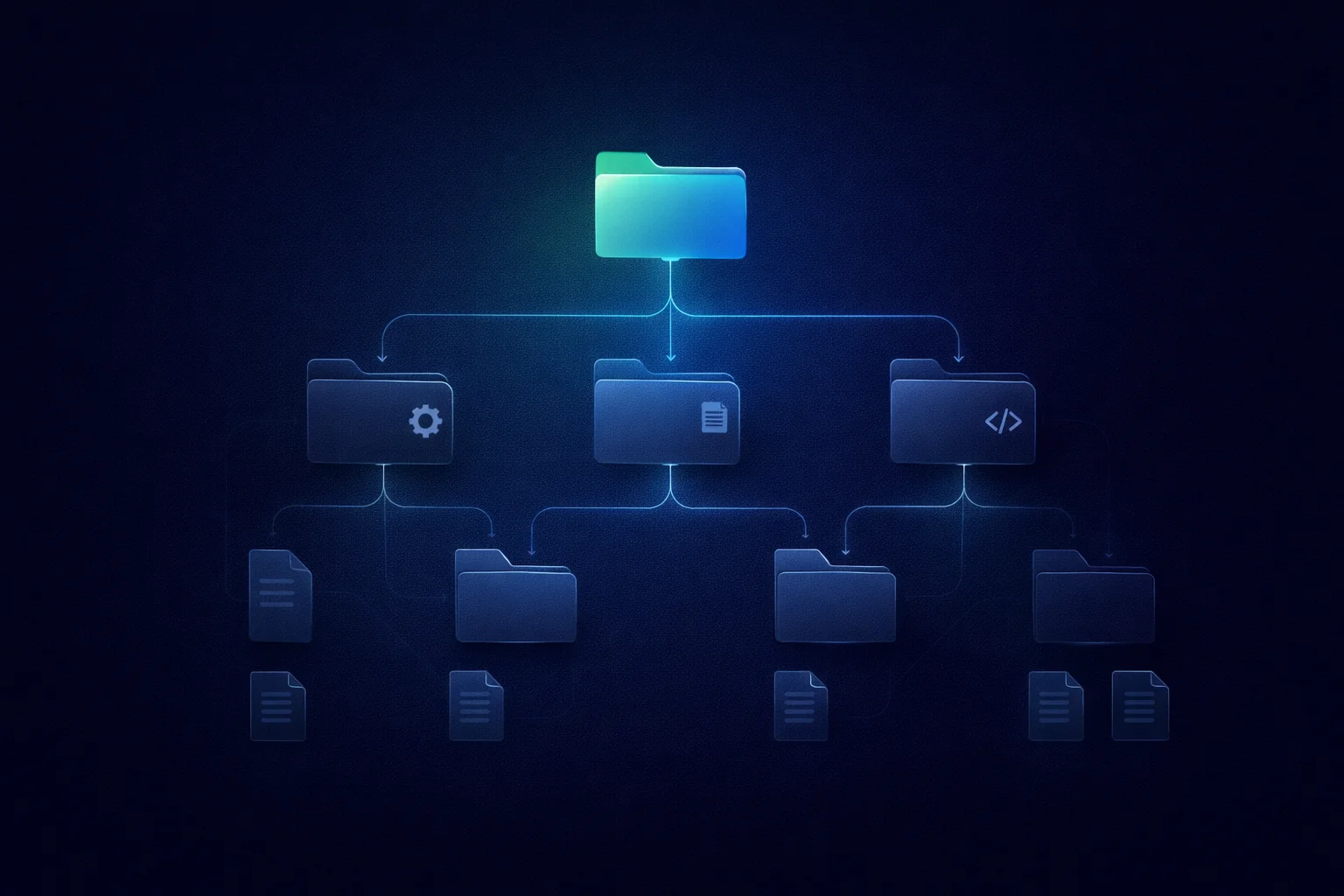
The main principle: everything related to a project should live in a single root folder. Frontend, backend, mobile app, documentation, working notes — all together.
Claude Code works with what it can see in the working directory. If the backend lives in a separate repository somewhere else — the agent doesn't know about it. It can't check the API contract, can't find a bug at the frontend-backend boundary, can't understand why a request returns something the client doesn't expect.
A typical structure:
my-project/
├── backend/          # Django/Node/whatever
├── frontend/         # React/Next.js/whatever
├── mobile/           # React Native/Flutter
├── e2e/              # End-to-end tests
├── docs/             # Documentation, requirements
│   └── user-stories/ # User stories
├── notes/            # Working notes, decisions
└── CLAUDE.md         # Project overview
Launch Claude Code in the my-project/ root — and it has the full context. It knows how the API works, how the frontend calls it, what the mobile app expects, what's written in the requirements, and how to verify it all with end-to-end tests.
CLAUDE.md at the Root — Project Map
At the root folder level, you need a CLAUDE.md that explains where things are. Not detailed documentation — just a map: which repository does what, how to run things, what's important to know.
# My Project

## Structure
- `backend/` — Django API, port 8000
- `frontend/` — Next.js, port 3000
- `mobile/` — Flutter app
- `docs/` — requirements and user stories

## How to run
- Backend: `cd backend && docker-compose up`
- Frontend: `cd frontend && npm run dev`

## Important
- API contracts are documented in `docs/api.md`
- Don't deploy without running tests
Claude reads this file at startup and immediately knows where to go. Each subproject has its own CLAUDE.md with specifics: build commands, architecture, things not to touch. Rules cascade: general ones at the root, specific ones in subfolders.
This is especially important because you should clear context as often as possible — to save on limits, reduce hallucinations, and improve output quality. When everything is well-documented and structured, clearing context before every task, even a small one, is no problem. Claude re-reads CLAUDE.md and is immediately back in context.
Scenario: Bug Investigation
Here's a concrete example of why this matters. A client reports: "data is lost when saving the form." What do you do?
First question — how is it supposed to work? If the project has documentation with requirements, Claude goes there and checks: is this a bug or expected behavior? Maybe the field isn't supposed to save — it hasn't been implemented yet, or it's an intentional limitation.
On a small project, you can keep all requirements in your head. But if a project has been running for several years — no head is big enough. Documentation becomes a necessity, not a luxury. And with Claude Code, referencing it is genuinely easy — as long as it lives next to the code, in the same folder.
Let's say it is indeed a bug. Next, you need to understand where the problem is. Claude can go into the frontend code and check whether the form sends the data. Then into the backend code — does the server receive the request, what does it do with the data, what does it return? If there are skills for testing — it can try to reproduce the bug on its own, without manual intervention.
For example, you can create a skill that describes how to log into the test environment, which account to use for which scenario, how to reach the relevant functionality — and then perform actions in the browser through an MCP server. Doing the same thing manually would probably be faster. But you can launch the check in the background and work on something else.
You can go further: ask Claude to analyze git history and find the commit where the behavior broke. Which task, which developer, what exactly was changed. Then ask the developer whether it was intentional or an accidental defect. Nobody used to do this kind of investigation before — it was too expensive in terms of time. With Claude Code, it takes minutes.
The output is a complete bug report: what's broken, why, when, how to fix it. Claude can apply the fix itself, run e2e tests to make sure the fix works and nothing else broke, commit, and deploy. All within a single session, because the entire project is in one workspace.
If the frontend and backend were in different locations — you'd have to investigate in parts, switch between sessions, pass context manually. Half the information would be lost along the way.
Scenario: Full-Stack Development
When all parts of the project are in one workspace, Claude works as a full-stack developer.
Need to add a new field to the user profile? One task: backend model, migration, API endpoint, frontend call, form update, test. Claude does everything sequentially, in one context, without losing the thread.
Need to change the API response format? Claude sees both the server code and the client code. It changes the endpoint on the backend and immediately adapts the calls on the frontend — won't miss a single one.
This isn't magic — it's a consequence of the agent seeing the full picture. Like a real developer sitting in one IDE with both projects open.
Scenario: Documentation and Code
Documentation next to code isn't about tidiness. It's a working tool, and the connection works both ways.
Code → documentation. Built a new module — ask Claude to analyze it from source and generate documentation. Not abstract code comments, but a proper description: what it does, how to use it, what the limitations are. Claude reads the code, understands the logic, and writes it up.
Documentation → code. Works the other way too. First, you describe requirements in documentation — what's needed, how it should work, what the constraints are. Then you give Claude the task: implement based on this description. It goes to the documentation, reads the requirements, and implements them step by step. No need to re-explain what you want every time — it's all in the files.
User documentation. Based on functional requirements, you can also generate user-facing documentation — again as .md files, in the same folder. It becomes another source of information: when fixing bugs, Claude can cross-reference not just technical requirements but also how the functionality is described to users. And when developing new features — verify they don't contradict the existing product description.
End-to-end tests. A separate e2e/ folder with tests that verify the product as a whole — from frontend to backend. The key point: these tests should correspond to the documentation and cover functionality that lives across different repositories. In essence, it's another representation of requirements — but an executable one. Claude can run them after a fix to make sure nothing broke. It can write a new test based on a user story. It can update an existing test after requirements change. And all of this works because tests, code, and documentation live side by side — in one workspace.
This is especially convenient for large tasks that don't fit in a single session. Describe requirements in .md files, break them into subtasks — and Claude can work on them across different sessions without losing context. Requirements live in files, not in chat.
Skills — Global and Project-Level
If a process repeats from session to session — turn it into a skill. It's a markdown file with step-by-step instructions, invoked with a single command.
Skills come in two types. Global — stored in ~/.claude/skills/, available across all projects. For example, a skill for collecting SEO metrics or for writing blog posts (this post was written exactly this way). Set it up once — use it everywhere.
Project-level — stored in .claude/skills/ within the project, committed to git, and available to everyone working on the project. This is where project-specific stuff goes. For example, a deployment skill that knows the specific server, the specific build process, and the specific post-deploy checks. Or a testing skill that knows how to create a test user, how to log into the test environment, and how to navigate to the right page.
Folders for Long-Running Activities
A separate technique — creating folders for specific major activities within a project. For example, a new module is being designed, and the work is meant to be iterative: first an outline, then detailed documentation, then development.
For such an activity, you can create a folder with working files: task lists, architecture decision notes, intermediate results. When starting a new session, you don't need to re-explain the full context — Claude opens the folder, reads the current state, and picks up where you left off. Especially useful when you come back to a task after a few days.
Bottom Line
Project structure for Claude Code isn't about cleanliness for its own sake. It's about giving the agent full context:
- One folder with all parts of the project — frontend, backend, mobile, documentation
- CLAUDE.md at the root — a map explaining where everything is
- CLAUDE.md in subprojects — specifics for each part
- Documentation next to code — so the connection works both ways
- Skills — global and project-level, so you don't repeat yourself
- Activity folders — so you don't lose context between sessions
I've experimented with different approaches to organizing my workspace, but settled on this one as the most powerful and convenient. The better organized the project, the less you need to explain in each session — and the more Claude can do on its own.