How to Build a Claude Code Telegram Bot — AI on Your Phone 24/7
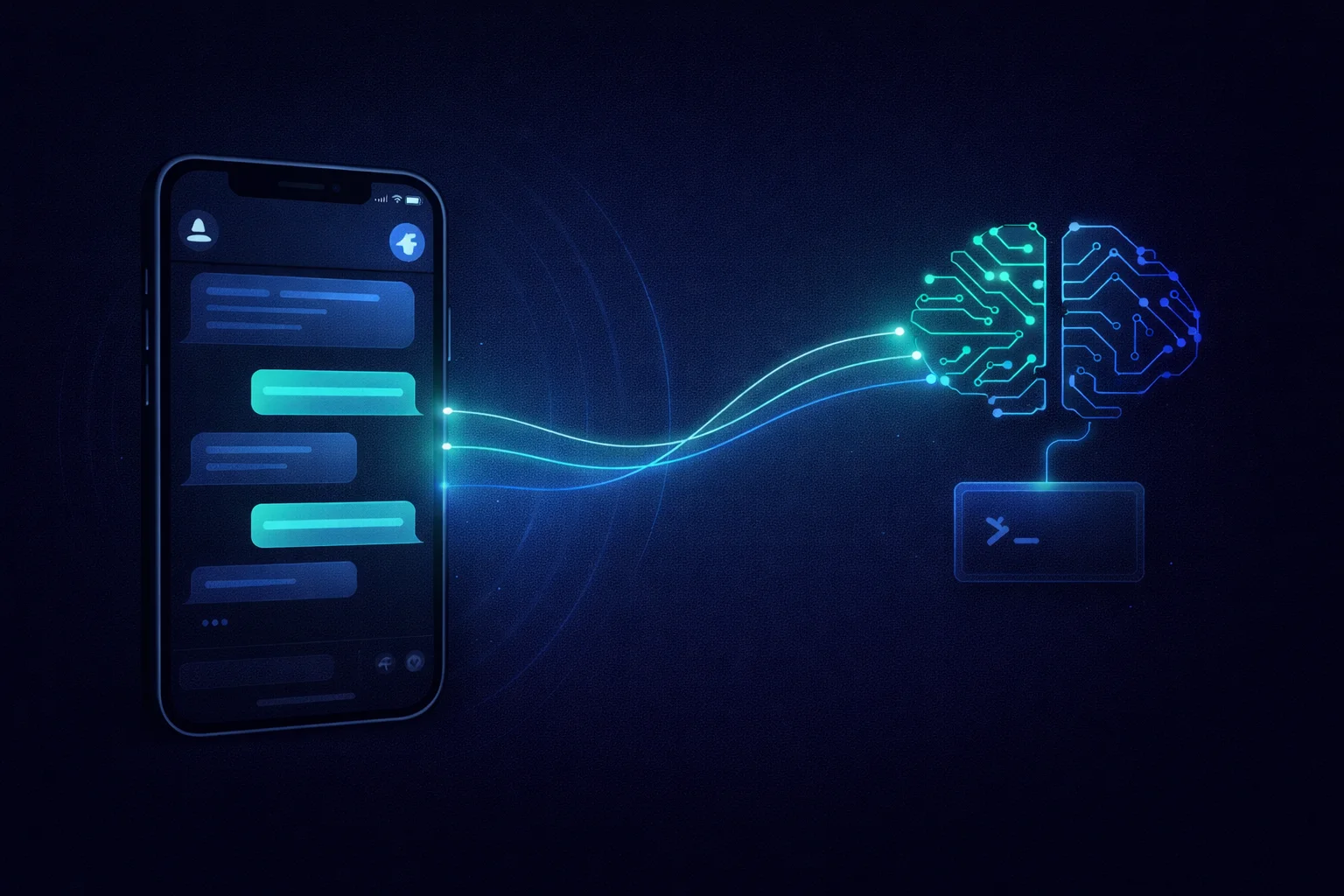
Build a Claude Code Telegram bot running 24/7 on a home server. Voice messages, image support, MCP integrations with Strava, TickTick, Gmail, and more. Full setup guide with code examples.
I tried several approaches. Connected to a server via SSH from my phone and ran Claude Code in a tmux session — working with a terminal on mobile turned out to be a special kind of torture. Tiny font, awkward input, accidental taps. I also tried the built-in claude remote-control feature — it lets you continue a local session from your phone via claude.ai or the Claude mobile app. Sounds ideal, but in practice it's still rough: sessions hang periodically, and when you want to switch to a new task there's no convenient way to clear the context and start fresh. None of these approaches worked for everyday mobile use.
In the end, I solved it differently — with a Telegram bot. Now I have a full-fledged Claude Code in my pocket — with access to all my files, projects, notes, and external services. With voice messages and images. Running 24/7 on an old laptop in the corner of my room. Here's how I did it.
The Idea: An Old Laptop as a Personal Server
I had a spare laptop that my wife didn't need — she bought herself a MacBook, which I actually use to build Timetracker for iOS. I installed Linux on it and turned it into a home server — it just sits in the corner with the lid closed, doing its thing. I set up Syncthing — a file synchronization utility. Now the laptop-server is synced with my main workstation and my phone.
What gets synced:
- Notes — Obsidian vault, accessible on my phone, workstation, and server
- All projects — personal and work, with code and configs
- Documents — scans, important files
- Running — training plans, race history, workout notes
- CLAUDE.md files — instructions for Claude in every project
- And a bunch of other stuff — secrets, configs, work materials
The CLAUDE.md point is key. Each of my projects contains such a file describing what the project is, how to build it, how to deploy it, and any specifics. Claude Code automatically picks these up. Which means the Telegram bot sees them too — and knows the context of every project without any extra explanation.
On top of that, there's a global CLAUDE.md in the home directory with information about me: family, documents, preferences, folder structure. Claude knows where everything is and can find the right file without hints. And you can edit this file right through the bot — say "remember that everything related to running is in the Running folder," and Claude updates its own instructions. No need to explain next time.
Architecture
The chain looks like this:
The Telegram bot receives a message and passes it to Claude Code via the Agent SDK. Claude CLI launches as a separate process with the right flags: JSON response streaming, MCP server connections, step limits. Claude performs the task — reads files, runs commands, calls external services — and returns the result back to Telegram.
Sessions are stored in SQLite. This means you can continue a conversation — Claude remembers the previous context.
MCP Servers: Connecting External Services
External services are connected to the bot via MCP (Model Context Protocol):
- TickTick — task manager. Claude can create, view, and edit tasks
- Strava — running data. Claude analyzes workouts and gives advice. I wrote about setting this up in a separate post
- Gmail — reading emails and creating drafts
- Google Calendar — viewing schedule, creating and editing events
- Context7 — access to up-to-date library documentation
Configuration is stored in mcp-servers.json next to the bot. Adding a new service takes five minutes.
I'm planning to add something like Playwright as well, so the bot could also perform browser actions when needed. I just haven't had such tasks come up yet. But in theory, it wouldn't be too hard to set up either.
Installation
The bot is based on the open-source project claude-code-telegram. Install via uv:
uv tool install git+https://github.com/RichardAtCT/claude-code-telegramNext, create a Telegram bot through @BotFather and get a token. You can find your Telegram user ID via @userinfobot.
All configuration goes in a .env file:
# Telegram
TELEGRAM_BOT_TOKEN=your_token_from_BotFather
TELEGRAM_BOT_USERNAME=bot_name
ALLOWED_USERS=your_telegram_id

# Security
APPROVED_DIRECTORY=/home/username  # sandbox for file operations

# API keys
ANTHROPIC_API_KEY=your_anthropic_key
OPENAI_API_KEY=your_openai_key  # for voice recognition

# Notes
NOTES_DIRECTORY=/path/to/obsidian/vault

# MCP
ENABLE_MCP=true
Running as a systemd Service
To keep the bot running permanently and restart it on failure, I set it up as a systemd user service.
File ~/.config/systemd/user/claude-telegram-bot.service:
[Unit]
Description=Claude Code Telegram Bot
After=network-online.target
Wants=network-online.target

[Service]
Type=simple
WorkingDirectory=/home/username/.config/claude-telegram-bot
ExecStart=/home/username/.local/bin/claude-telegram-bot
Restart=on-failure
RestartSec=10

[Install]
WantedBy=default.target
Enable and start:
systemctl --user enable claude-telegram-bot
systemctl --user start claude-telegram-bot
Now the bot starts automatically on system boot and restarts if something goes wrong.
Enhancement: Voice Messages
Out of the box, the bot didn't understand voice messages. But that's the most natural way to communicate from a phone — especially on the go when typing is inconvenient.
I added voice support: the bot downloads the audio file (.ogg) from Telegram, sends it to OpenAI's Whisper API for speech recognition, and passes the resulting text to Claude as a regular prompt.
Whisper recognizes both Russian and English excellently. The cost is negligible: one minute of audio costs $0.006. A month of active use adds up to less than a dollar.
Enhancement: Image Support
The second limitation — the bot couldn't work with images. Neither receiving nor sending.
Receiving images. Now when you send a photo to the bot, it downloads it, saves it to a temporary file, and passes it to Claude via the Read tool. Claude is a multimodal model — it understands images. You can photograph a document, a receipt, an error screenshot — and ask it to figure things out.
Sending images. When Claude reads an image file during its work (for example, finding a document scan in notes), the bot intercepts the file path and automatically sends the image to Telegram. No need to ask "send me the file" — if Claude reads an image, it arrives automatically.
Working with Notes
On my phone, I have Obsidian with the same notes that sync to the server. The bot has access to the same folder. This opens up a bunch of scenarios:
- Ask to find something in notes — Claude searches through files
- Save a new note by voice
- Send a photo and ask to save it to notes — the image gets copied to
attachments/with an automatic timestamp-based name, and the link is formatted in Obsidian style:![[attachments/img_20260307_143022.jpg]] - Ask to find an image in notes — the bot finds it and sends it right to the chat
Real Scenarios: "Don't Think About Where"
The main value of this setup is that you don't need to think about routing information. Just say what you need, and Claude decides where to put it.
A thought about a project on the go. By voice: "Timetracker needs CSV export." Claude knows about this project (there's a CLAUDE.md), opens the project's notes or TODO file, and adds the note. I don't need to remember which project has which file where.
A quick task. "Remind me to wash the car tomorrow." Claude creates a task in TickTick with the right date. No need to open the app, pick a list, set a date — one phrase.
A work note. "Write down: on the call we discussed rolling out API v2 on Thursday." Claude saves it to Obsidian in the right folder (Work/...) — it knows the structure.
Information request. "When is my flight to Novosibirsk?" — Claude checks the calendar for flight info and answers. "What's my address?" — finds it and tells me.
Workout analysis. After a run: "How was my workout today?" — Claude calls Strava, gets the data, and provides analysis. You can immediately ask it to adjust the upcoming training plan and save the changes.
Daily schedule. "What do I have today?" — Claude checks tasks in TickTick, including overdue ones, and gives a summary.
Security
A few important points:
- Whitelist by Telegram ID. Only specified users can interact with the bot. All other messages are ignored
- Sandbox.
APPROVED_DIRECTORYrestricts file operations to the specified directory. Claude cannot go beyond it - Tool filtering. You can limit the set of tools available to Claude
- Audit. All requests and actions are logged
Gotchas
Memory. The bot with Claude CLI and MCP servers consumes about 1.4 GB of RAM. My laptop with 8 GB handles it fine, but keep this in mind.
Timeouts. Long operations (large files, complex queries) can hit Telegram timeouts. The bot sends intermediate status updates, but sometimes you have to wait.
Syncthing conflicts. If a file is edited simultaneously on two devices, Syncthing creates a conflict copy. This is solved by proper .stignore configuration and understanding that the server is a read-write node, not just a mirror.
CLAUDE.md is a superpower. If you already use Claude Code and maintain CLAUDE.md files in your projects — the bot automatically picks up all that context. If you don't — this is a reason to start.
Conclusion
This whole setup — old laptop + Linux + Syncthing + Telegram bot + Claude Code — transforms an AI assistant from a "desk-only" tool into an "always with you" tool. The main advantage is that you don't need to think about routing information. A note, a task, a project instruction, a document request — all through a single entry point. Claude knows the file structure, knows the project contexts, knows where everything is. Just speak — it acts.
If you have a spare computer, Claude Code, and a couple of evenings — give it a try. You don't even need physical hardware — this setup can run on a cloud VPS, as long as it's running Linux with Claude Code installed. This is one of those cases where the result far exceeds the effort invested.